For Jira Cloud admins in regulated industries
Prove who can access what in Jira — at a point in time.
Jira can tell you who is in a project. It cannot tell you which projects a group can reach, and it cannot show you what permissions looked like on the last day of the quarter. AccessLens does both, and turns the answer into audit evidence.
Free for sites up to 10 users. Above that it is priced per user per month and billed by Atlassian — see pricing on the Marketplace.
No egress. Your permission data never leaves Atlassian.
Watch the 1:06 demo- Works in
- Jira Cloud
- Runs on
- Atlassian Forge
- Your data
- Never leaves Atlassian
- Price
- Free up to 10 users
The gap this fills
Reverse permission lookup has been an open Jira Cloud request since 2019
(JRACLOUD-71967, over a thousand votes) and is still unresolved.
Meanwhile the native audit log retains 180 days and is an event stream — it cannot
reconstruct who held access on a given date, or show that anyone signed off on it.
Capabilities
What it does
Reverse lookup, three ways
Pick a group, a user, or a project. Get the flattened answer — including access inherited through project roles and, where your site permits reading group members, through group membership. Both are expanded for you.
Point-in-time snapshots
Capture every live project's permission state on a schedule. A snapshot is the evidence: it does not decay, and it does not expire after 180 days.
Quarter-over-quarter diff
Compare two snapshots and get exactly what changed — “the Contractors group gained admin on Payments” — not a wall of raw events to read.
Access reviews with sign-off
Walk the project list, mark each one confirmed or needs-remediation, and export a record carrying the reviewer's account and a UTC timestamp.
Public-access alarms
Any project readable by anonymous users, or granted to every licensed user, is flagged as a risk finding rather than buried in a scheme.
Everything exports to CSV
Lookups, snapshots, diffs and sign-off records. Generated in your browser, UTF-8, opens cleanly in Excel.
Walkthrough
The quarterly SOX access review, end to end
-
Snapshot on the last day of the quarter
Scheduled weekly, or monthly on the 1st–28th, or taken by hand on the day itself — so the evidence exists before anyone asks for it.
-
Diff against last quarter
Every access grant and revocation since the last review, listed once each.
-
Reviewers walk the list
Highest-risk projects first. Confirm, or flag for remediation with a note.
-
Export the sign-off record
Reviewer account id, UTC timestamp, and the snapshot it was judged against.
Compared honestly
Against what you have today
| Question | Native Jira | AccessLens |
|---|---|---|
| Which projects can this group access? | Not supported | Yes |
| What could this user reach on 30 September? | Not supported | Yes |
| What changed since last quarter? | 180-day event stream | Diff |
| Who signed off on the review? | Not recorded | Recorded |
| Which projects are publicly readable? | Scheme-by-scheme | Flagged |
Availability
Free for sites up to 10 users.
AccessLens installs into your Jira Cloud site straight from its listing on the Atlassian Marketplace. Above ten users it is priced per user per month, and licensing is handled by Atlassian.
-
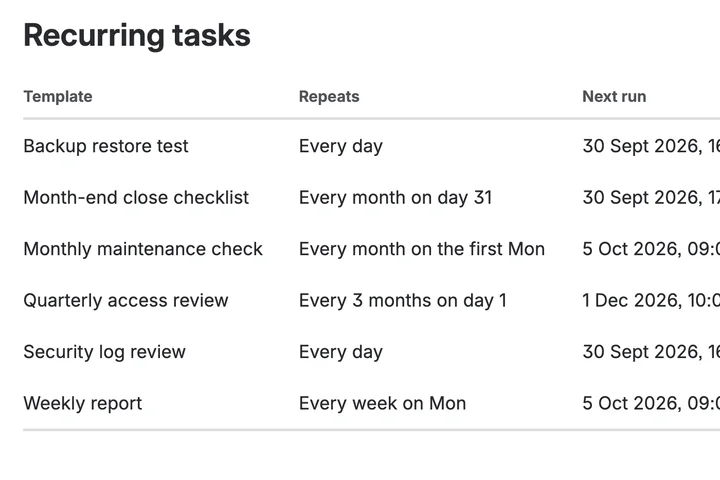
The work that has to happen every month, happening every month.
Recur for Jira
-
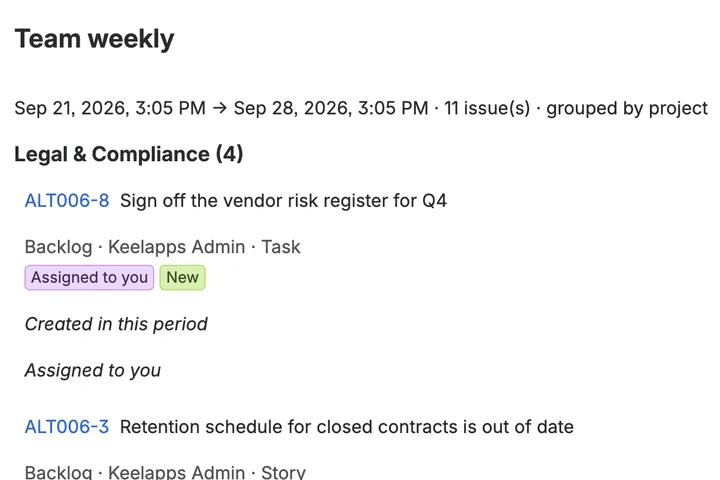
Six emails about one issue, folded into one summary.
Digest for Jira
-
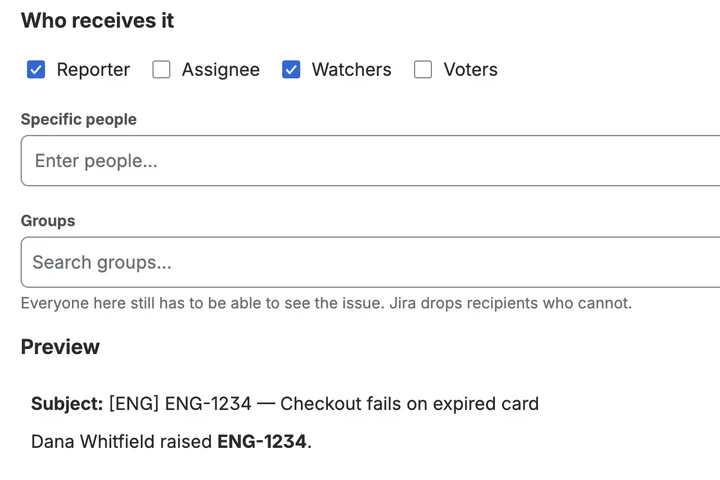
Jira's notification email, in your words.
Mail Templates for Jira