For the files spread across a whole project
Jira zips one issue. Satchel zips the whole search.
Jira Cloud’s own Download all works one issue at a time. Satchel zips a JQL result or a whole project, foldered by issue key, in archives of up to 1 GB and 5,000 files — and then answers the question that always follows: what is actually in there, and how much of it can go? The archive is assembled in your own browser from your own Jira session, so attachment bytes never touch a server of ours. There is not one.
Free for sites up to 10 users. Above that it is priced per user per month and billed by Atlassian — see pricing on the Marketplace.
Zero egress. No external server, no egress permission in the manifest, no copy of your files anywhere.
- Works in
- Jira Cloud
- Runs on
- Atlassian Forge
- Your data
- Never sent to us
- Price
- Free up to 10 users
The gap this fills
Jira Cloud can download every attachment on one issue. Across issues it cannot: collecting the files behind a quarter's close means opening every issue and downloading each one's attachments separately. The request has been open on Atlassian's own tracker since 2018 — JRACLOUD-68871, 113 votes, still Gathering Interest — and past 150 attachments on one issue Jira stops showing previews and thumbnails (JRACLOUD-81747).
The Marketplace has a download-only app in this space and a heavyweight document management suite next to it. Nobody has put bulk download, attachment governance and storage analysis in one place.
Capabilities
What it does
One zip for the whole issue
Every attachment on an issue in a single archive of up to 1 GB, from a panel on the issue itself — including past 150, where Jira falls back to a list without previews or thumbnails.
A JQL result, or a project
From the project page: zip everything a JQL query matches, or the whole project,
foldered by ISSUE-KEY/. Progress and cancel throughout.
Nothing overwritten, nothing hidden
Two files with the same name are renamed inside the archive rather than silently overwriting each other, and a note inside the zip lists anything that could not be included, with the reason.
See where the storage went
Occupancy by uploader, file type, issue type and age, plus the biggest files. Today Jira reports storage for the whole site, not per project.
Duplicate candidates
Files grouped by filename and exact byte size, with the bytes each group would reclaim. Candidates, not verdicts — Jira exposes no content hash, and Satchel says so wherever it shows a number.
Deletion that asks twice
Jira confirms every file, the dialog lists them, you type the confirmation, and each file is recorded before it goes. It ships switched off and, once on, is limited to Jira administrators unless they widen it — because Jira has no recycle bin for attachments.
Walkthrough
Reclaiming space, end to end
-
Scan the project
The project page builds an attachment inventory in the background: filename, size, type, uploader, issue and age for every file. It is checkpointed, so a big project finishes.
-
Read the reports
Storage by uploader and by file type, the biggest files, and the duplicate candidate groups with the bytes each would free. Export the whole inventory as CSV if somebody else has to approve the list.
-
Take a copy first
Zip what you are about to remove — the archive is built in your browser and lands on your disk, not on anybody's server — so “deleted” means “out of Jira”, not “gone”.
-
Delete, on the record
An administrator enables deletion, reads the preview Jira has checked, types the confirmation, and Satchel records every file before it removes it, and who removed it. That trail is kept for 400 days and deliberately not deletable from the interface.
Compared honestly
Against what you have today
| Question | Native Jira | Download-only apps | Satchel |
|---|---|---|---|
| Download every attachment on an issue? | Yes — Download all | Yes | One zip |
| Across a JQL result or a project? | — | Sometimes | Foldered by issue key |
| What is eating the storage? | One site-wide number | — | By uploader, type, age, size |
| Which files are duplicated? | — | — | Candidates, with reclaimable bytes |
| Delete in bulk, with a record? | Per issue, or by an Automation rule — no preview or confirmation | — | Dry run, confirmation, audit |
| Do the files pass through a vendor server? | — | Often | Never — built in your browser |
Need the files without an app? The guide to downloading all Jira attachments has a script you can run today and the traps that lose files.
Limits
Limits we state up front
Duplicate detection finds candidates, not proven duplicates. Jira exposes no content hash for an attachment, and proving two files identical would mean downloading both — for a whole project, every byte in it. Satchel therefore matches on filename and exact byte size, and that qualification travels with the number in the payload, so no screen can show you reclaimable bytes without the sentence explaining what they are based on. Two files with the same name and different sizes are not grouped; neither are two unrelated files that happen to be the same size.
Deletion is irreversible. Jira has no recycle bin for attachments. A file deleted through Satchel is gone from Jira: it comes back only from a copy you took beforehand, and Atlassian does not undo customer deletions from its own backups. Satchel checks every file with Jira, lists them, requires a typed confirmation and records every deletion, but it cannot undo one. Deletion ships switched off and, once on, is limited to Jira administrators unless they widen it.
One scope is broader than what the app does. Deleting an attachment
needs Jira's classic write:jira-work scope, whose consent text mentions
creating and editing issues, posting comments and deleting issues. Satchel does none
of those, and it never uploads. It is the only classic Jira scope that includes deleting
an attachment — the granular one that would say exactly that is still in Beta — and
an automated test fails the build if any code path reaches a mutating call other
than the single attachment delete.
Uploading attachments is deliberately not built. The write scope Satchel holds would allow it, but the only write call in its code is the attachment delete, and the interface has no path to upload.
Guides
Guides on bulk attachments
-
How to download all attachments from Jira Cloud
Jira Cloud downloads attachments one issue at a time.
Availability
Free for sites up to 10 users.
Satchel for Jira installs into your Jira Cloud site straight from its listing on the Atlassian Marketplace. It is built and deployed on Atlassian Forge.
Licensing is handled by Atlassian. Sites with 10 users or fewer pay nothing at all, and above that the single-issue zip and the direct download stay free forever on every install — the no-preview download CLOUD-12448 asks for is never behind a licence check. What a licence buys is scale and governance: cross-issue archives, the project inventory, the duplicate and storage reports, CSV export and deletion.
There is a Satchel for Confluence too, with the same brand, the same zero-egress design, and bulk attachment move between pages.
-
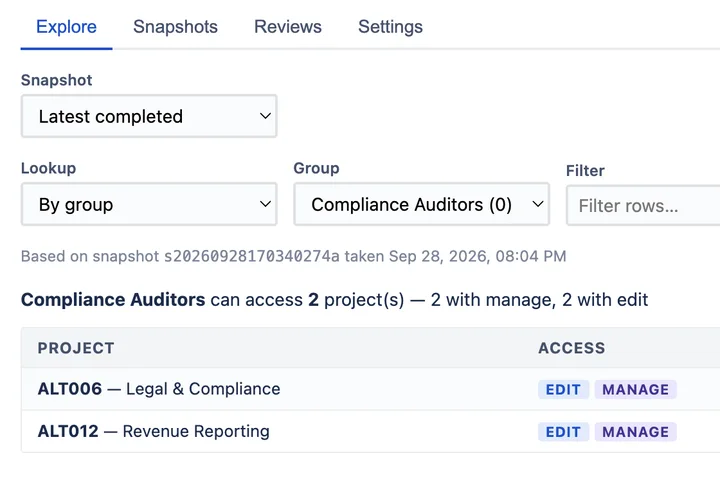
Prove who can access what in Jira — at a point in time.
AccessLens for Jira Runs on Atlassian
-
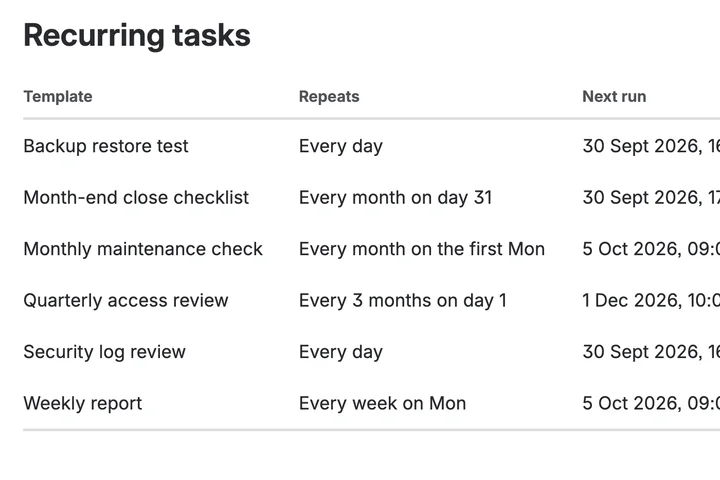
The work that has to happen every month, happening every month.
Recur for Jira Runs on Atlassian
-
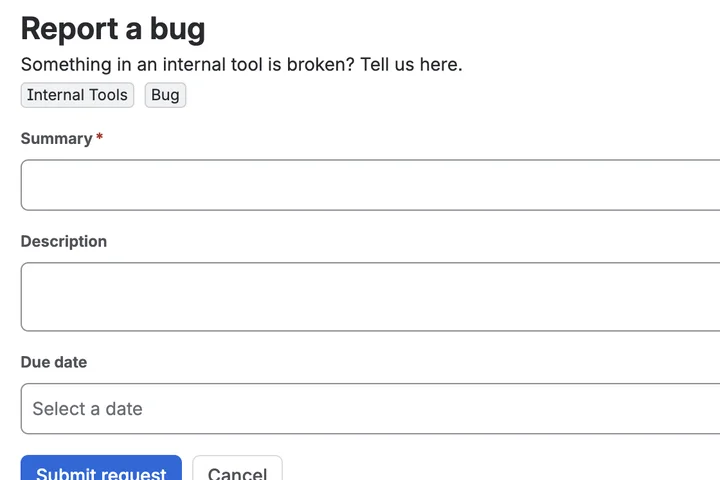
Give a colleague one link instead of a Jira tutorial
Prefill for Jira Runs on Atlassian