For the email Jira's templates cannot write
Jira's notification email, in your words.
Jira Cloud's own notification emails cannot be rewritten — not the subject, not the body, not per project; the request to change that has been open since 2005. Automation's Send email can, one rule at a time, and every run spends automation steps from your plan. Mail Templates gives each project one template per event — issue created, status changed, comment added — with a preview of the exact email and a log of every send, delivered by Jira's own notification service. Nothing leaves Atlassian.
Free for sites up to 10 users. Above that it is priced per user per month and billed by Atlassian — see pricing on the Marketplace.
Zero egress. No external mail server, no vendor copy of your issue data.
Watch the 1:07 demo- Works in
- Jira Cloud
- Runs on
- Atlassian Forge
- Your data
- Never leaves Atlassian
- Price
- Free up to 10 users
The gap this fills
What this is, and what it is not
It is
An additional notification channel. Jira keeps sending whatever its notification scheme is configured to send; Mail Templates adds a message of your own on top, in your wording, to the people you choose.
It is not
A replacement for Jira's own mail. Forge gives an app no way to suppress what the notification scheme already sent — so to stop a duplicate for someone who already gets Jira's mail, switch that event off in the project's notification scheme, and check what else shares that scheme first.
- It will never have
- Attachments
- A custom sender address
- Unsubscribe management
- A rich-text editor
All four need egress or permissions this product exists to avoid.
Capabilities
What it does
Recipients you choose
Reporter, assignee, watchers, voters, named people or Jira groups — set per rule, per event. Comments restricted to a group or role, and internal notes, are never mailed.
Three events, three templates
Issue created, status changed and comment added, each with its own subject, body and recipient set. Turn on only the ones a project actually wants.
Templates that fill themselves in
Nineteen issue fields interpolate into subject and body — key, summary, status, assignee, priority, the transition that just happened. One template serves every issue in the project.
A preview that is the real renderer
The preview under the editor is produced by the same code that renders the mail that gets sent, so what you approve is what goes out.
Every send accounted for
A per-project log records each event handled — including the ones that sent nothing, and why. "Why was there no email" always has an answer.
Delivered by Jira itself
Built on Forge with no external network access. Mail goes out through Jira's own notification endpoint, not an Automation rule, so it spends none of your automation allowance — and nothing leaving Atlassian is what earns the Runs on Atlassian badge.
Walkthrough
A release notification, end to end
-
The rule is written once
On the Releases project, a project admin turns on "status changed", writes a subject of
[{{project.key}}] {{issue.key}} — {{issue.summary}}, and picks the recipients: the reporter, plus thecustomer-successgroup. -
Someone moves an issue to Done
Jira fires the event. The app matches it against the rule, reads only the fields the template references, and renders the message.
-
The people on the list get the mail
Jira delivers it through its own notification service. Everyone on the list still has to be able to see the issue — Jira drops anyone who cannot, so the app can never widen access.
-
The log says what happened
The project's send log records the event, the result and the recipient count. Hourly caps bound the damage a bulk edit of 500 issues could do.
Compared honestly
Against what you have today
| Question | Jira notifications | Automation: Send email | Mail Templates |
|---|---|---|---|
| Can you write the subject and body? | No — Jira Cloud's templates are fixed | Yes, with smart values | Yes, 19 issue variables |
| Who can receive it? | Anyone the notification scheme names | Anyone the rule names | Roles, people and groups |
| Does it use your automation allowance? | No | Yes — every trigger, condition and action is a step | No |
| How is it set up? | A notification scheme | A rule per event | A template per event |
| Can it stop Jira's own email? | — | No | No — turn the event off in the scheme |
Automation's allowance on Jira Free is 150 steps a month for the whole site, and a rule that emails on every status change spends two or three steps each time it runs.
Every way to change what Jira emails say, with or without an app, is in the guide to custom Jira notification emails.
Guides
Guides on notification templates
-
How to customize Jira Cloud notification emails
Jira Cloud's notification emails cannot be edited.
Availability
Free for sites up to 10 users.
Mail Templates installs into your Jira Cloud site straight from its listing on the Atlassian Marketplace. Above ten users it is priced per user per month, and licensing is handled by Atlassian.
-
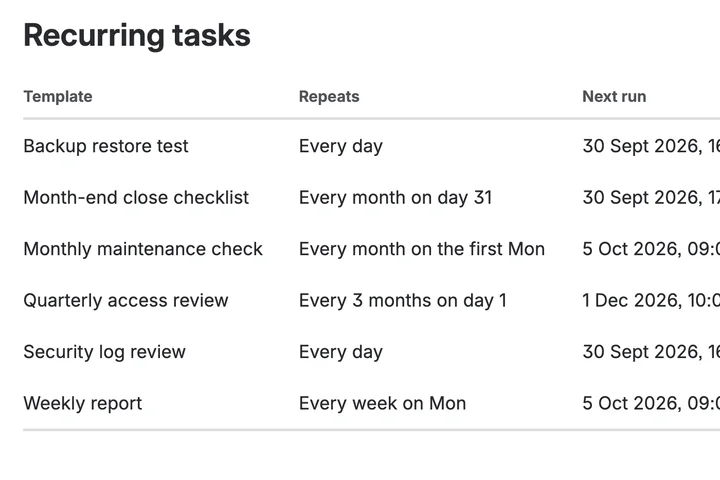
The work that has to happen every month, happening every month.
Recur for Jira Runs on Atlassian
-
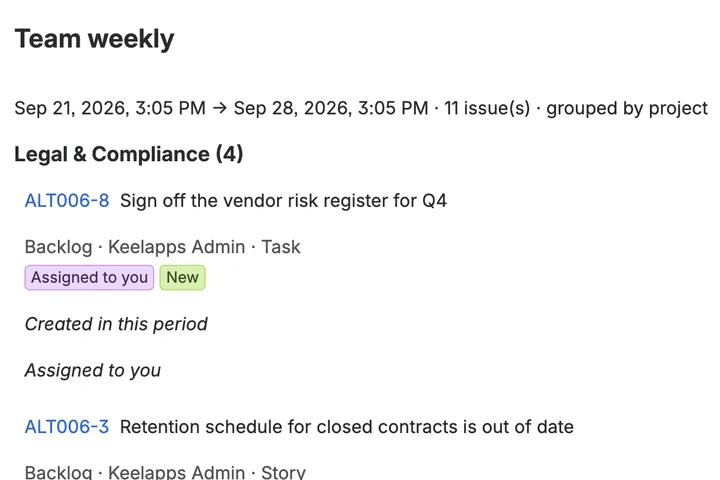
Six emails about one issue, folded into one summary.
Digest for Jira Runs on Atlassian
-
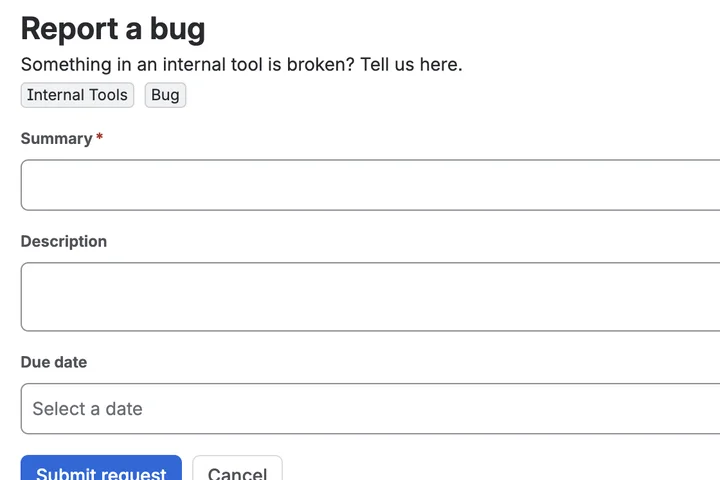
Give a colleague one link instead of a Jira tutorial
Prefill for Jira Runs on Atlassian