For the colleague who has a Jira seat but not the training
Give a colleague one link instead of a Jira tutorial
Paste it in Slack, an email signature, a runbook or a monitoring alert. It opens a short form that asks only what the submitter can answer: the project, the issue type and the fields that decide routing are already set, out of sight. Submitters are your own signed-in Jira users, the issue is created as the real person, and nothing leaves Atlassian.
Free for sites up to 10 users. Above that it is priced per user per month and billed by Atlassian — see pricing on the Marketplace.
Zero egress. Forms and counters live in Forge storage on your own site.
Watch the 1:11 demo- Works in
- Jira Cloud
- Runs on
- Atlassian Forge
- Your data
- Never leaves Atlassian
- Price
- Free up to 10 users
Two things this app is not
It is not an issue-template app. Templates prefill Jira's own create screen, and the submitter still has to find their way around it. Prefill's product is the entry point: a URL that opens a page somebody can complete without ever seeing Jira's create dialog.
It is not an anonymous portal. Submitters are your own Jira users — signed in, with permission to create issues in the target project — and every issue is created as the person who submitted it. The scenario Prefill is built for is “the entire company has a Jira seat, but only a handful of people know how to file a ticket”. If you need requests from people without a seat, Jira's own forms can be shared with anyone who has the link (if your admin allows public forms), and Jira Service Management runs customer portals — whose request types can already hide preset values and take answers from the portal link. Prefill is for the projects that have no portal.
Capabilities
What it does
Build a form once
Pick a project and issue type, fix the fields that decide routing, and ask the submitter only for what you actually need. Fixed fields are applied on every submission and never rendered.
Share a link
One key per form, fixed once the form is saved, so a link in circulation keeps working. Retiring a form keeps the key reserved, so anyone still holding the link is told it was retired rather than shown a dead page.
A form with three questions
Only the fields you marked editable, with their defaults already filled in. Submitting creates the issue — with the submitter as reporter, so Jira's own permissions, audit trail and notifications all behave normally.
It cannot quietly break
A form is checked against Jira's live create screen when it is saved: a required field the form neither fills nor asks about is refused there, while the person who can fix it is still looking. It is checked again on every submission, because screens change.
Fields read, never guessed
Every field shape comes from Jira's own create metadata. Select, multi-select, cascading, user, group, date, datetime, number, labels, time tracking and rich text all work — and a type the app cannot fill honestly says so rather than failing later.
See which links work
Per-form use counts and the recent issues each link produced, so an owner can spot a form that is opened and then abandoned. Plus a project page and a site-wide admin page with a live health verdict.
Walkthrough
From “where do I file this?” to the right queue
-
The routing is somebody's job, once
The team that owns the queue builds the form: project, issue type, component, labels and the priority the automation keys off — all fixed, all invisible to the submitter.
-
The link goes where people already are
Slack channel topic, an email signature, the runbook step, the alert payload. One URL, no instructions attached.
-
The submitter answers two questions
A short form: what happened, and which environment. They are signed in as themselves, so nothing about identity has to be asked or trusted.
-
The issue lands correctly, as them
Created through Jira's own API as the submitter: the reporter is the real person, Jira's permissions decided it was allowed, and the automation that watches that component fires exactly as it would have for a hand-filed ticket.
Compared honestly
Against what you have today
| Question | Jira's create screen | Jira's own forms | Prefill |
|---|---|---|---|
| What does the submitter see? | A short dialog or the full create screen, depending on the project — and they pick the project and issue type | The questions you put on the form | Only the fields you chose to ask |
| Component, labels, priority, assignee | The submitter picks them | Asked as questions on the form | Fixed by you, never shown |
| Can the link fill in answers? | Some fields, through a create URL anyone can edit | No — parameters on the link are ignored | Yes, for the fields you allow — never a hidden one |
| Who can submit? | Signed-in users | Your users, or anyone with the link if your admin allows it | Signed-in users who can create issues in the project |
| Attachments | Yes | Yes | No |
Limits
Limits we state up front
Submitters are your own Jira users — signed in, with permission to create issues in the target project. Prefill does not provide an anonymous or external customer portal: it creates every issue as the signed-in person who submitted it. If you need requests from people without a Jira seat, look at Jira's own forms, which can be shared with anyone who has the link if your admin allows public forms, or at Jira Service Management — not this app. A service project's portal already hides preset values and prefills from its link. This matters before you buy: Marketplace apps are priced by Jira user count, and a form is only useful to somebody who already has a seat.
Prefill is not a template app. It does not manage issue templates, and what it hands people is its own short form, not Jira's create screen. If what you want is a pre-typed description on Jira's own create dialog, this is the wrong tool.
Deep links are measured, not assumed. A form's link opens that form directly: we verified it on a development install on 9 September 2026 and on a production install on 26 September 2026. It relies on Jira passing the link's query string to the app, so if a link ever arrives without its key, the page lists the forms that person can use instead, and the request still gets filed.
URL parameters are opt-in, per field. An external system can carry context into a form, but only for fields whose owner explicitly allowed it — and never for a hidden one, whose value is applied on the server and never sent to a submitter's browser.
Availability
Free for sites up to 10 users.
Prefill installs into your Jira Cloud site straight from its listing on the Atlassian Marketplace. Above ten users it is priced per user per month, and licensing is handled by Atlassian.
-
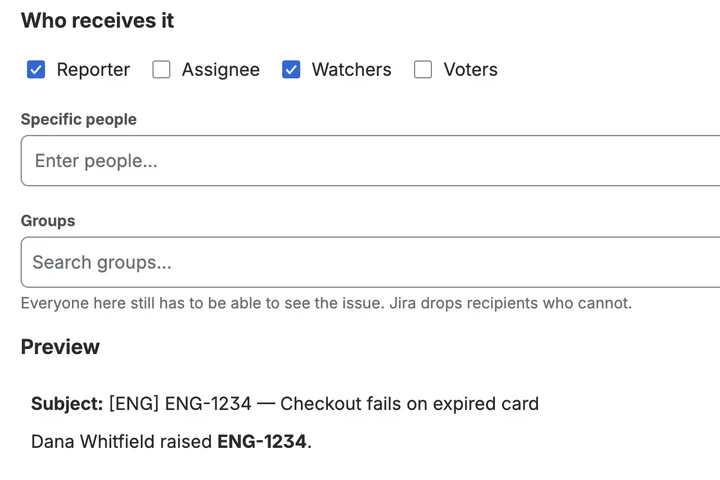
Jira's notification email, in your words.
Mail Templates for Jira Runs on Atlassian
-
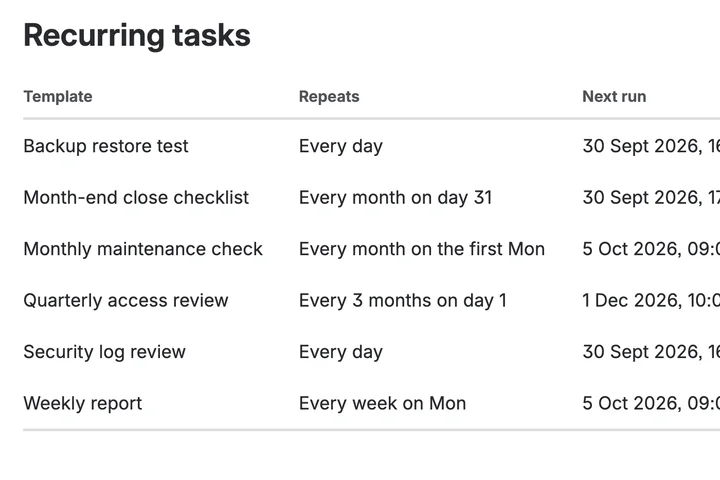
The work that has to happen every month, happening every month.
Recur for Jira Runs on Atlassian
-
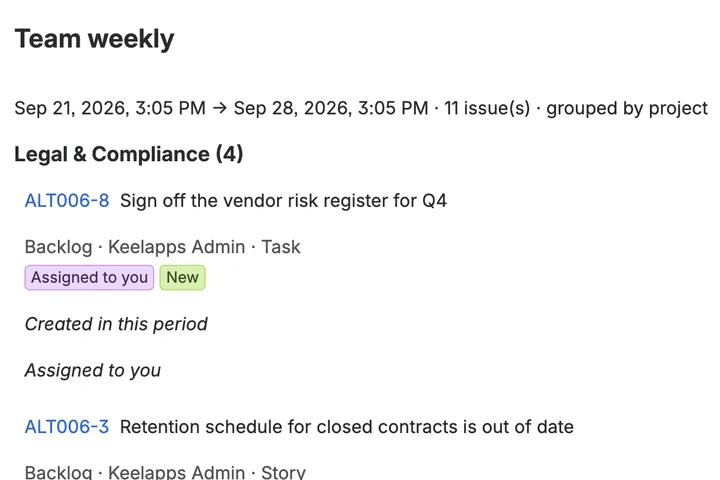
Six emails about one issue, folded into one summary.
Digest for Jira Runs on Atlassian